TUI Guide
Launch the TUI with:
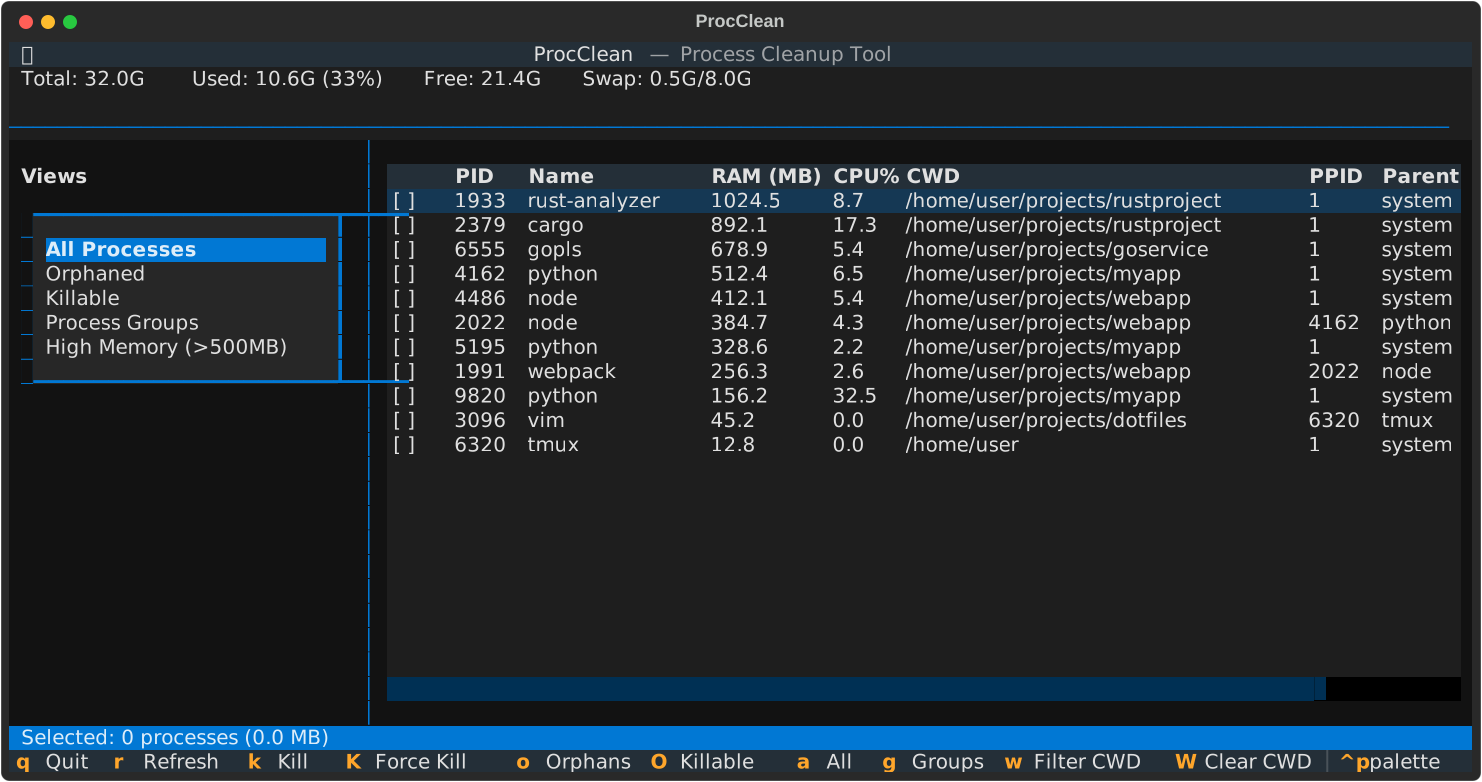
Keybindings
| Key | Action |
|---|---|
| Q | Quit |
| R | Refresh |
| K | Kill selected (SIGTERM) |
| Shift+K | Force kill (SIGKILL) |
| O | Show orphans |
| A | Show all |
| G | Show groups |
| W | Filter by selected cwd |
| Shift+W | Clear cwd filter |
| Space | Toggle selection |
| S | Select all visible |
| C | Clear selection |
| 1 | Sort by memory |
| 2 | Sort by CPU |
| 3 | Sort by PID |
| 4 | Sort by name |
| 5 | Sort by cwd |
| Shift+1 | Reverse sort order |
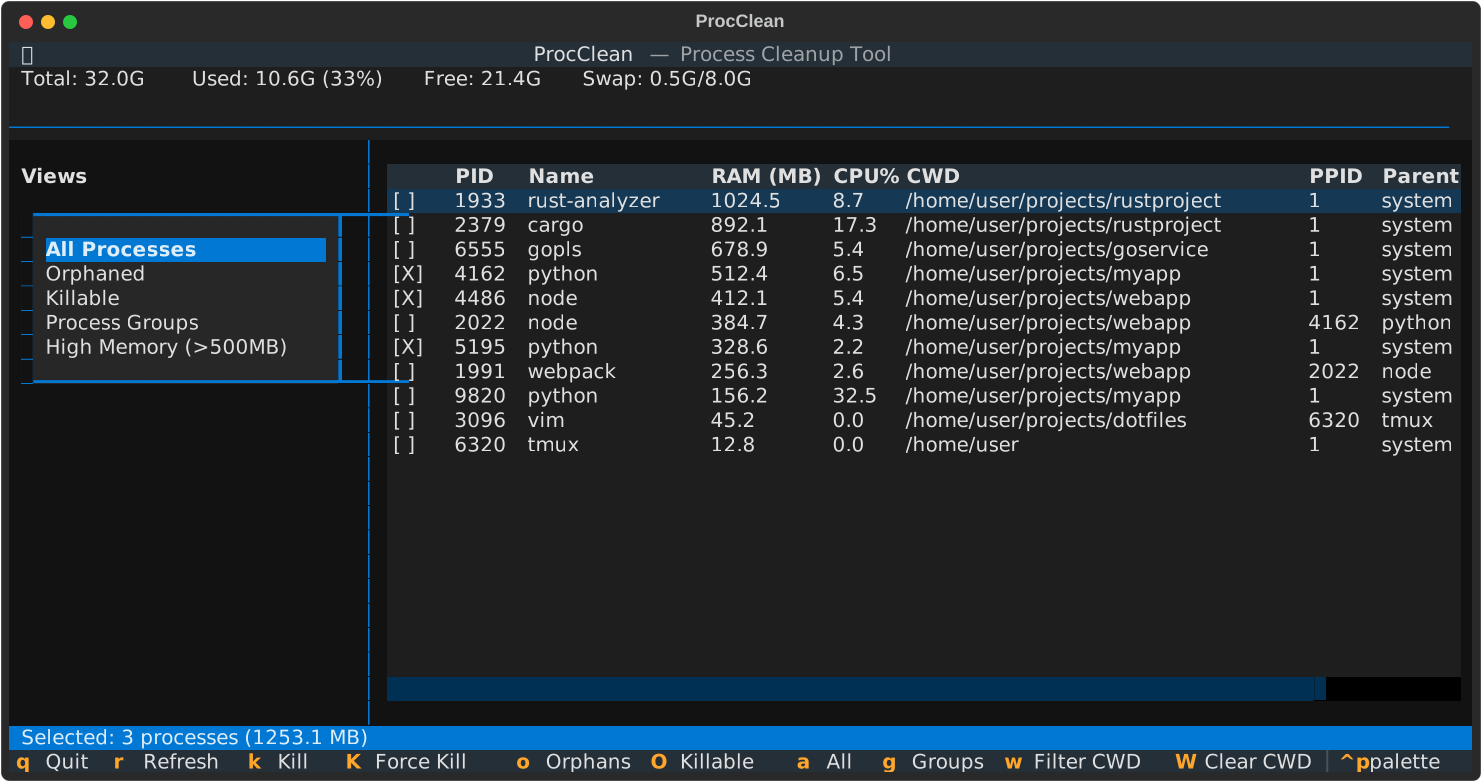
Views
All Processes
Shows all user processes sorted by memory usage.
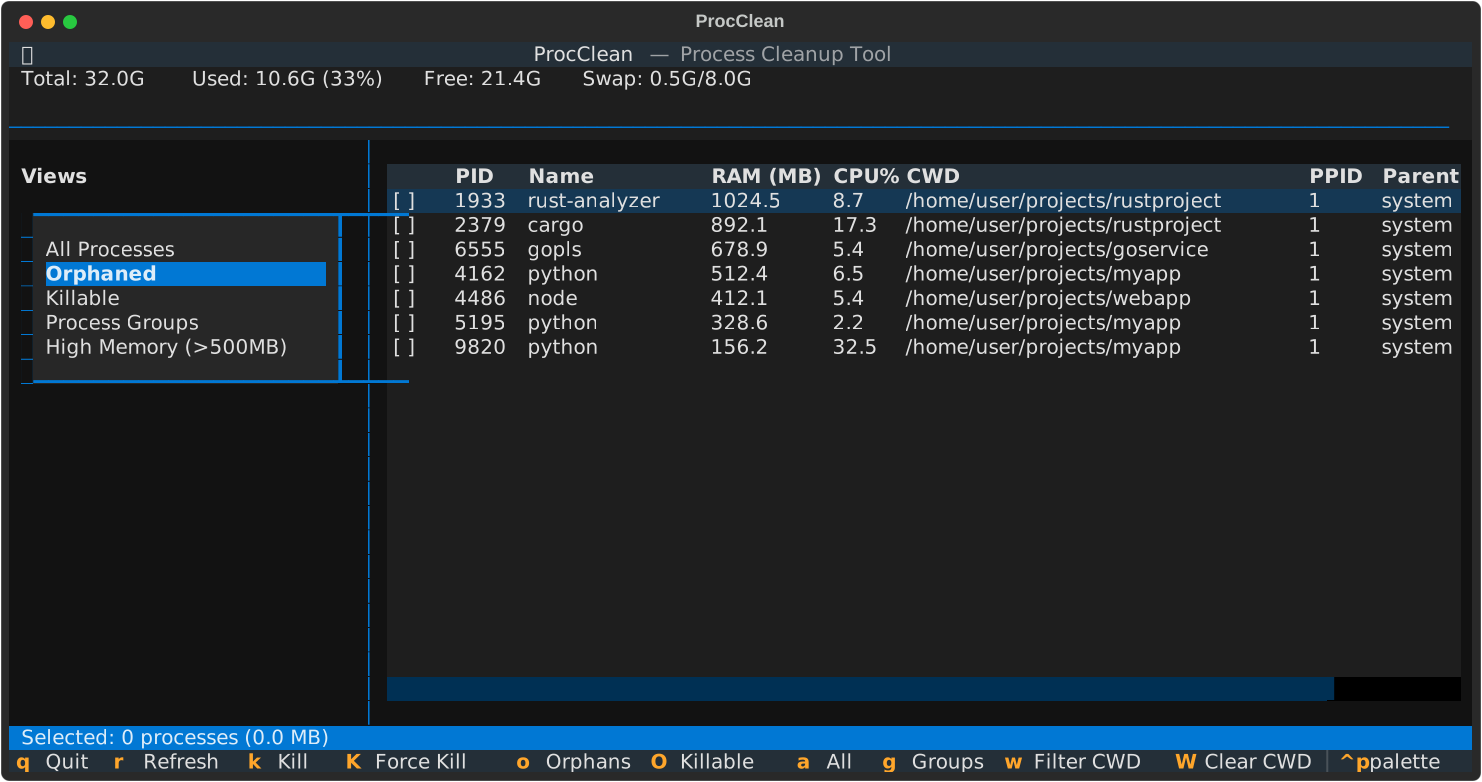
Orphaned
Processes with PPID=1 (parent process died). Tmux processes are excluded from orphan detection.
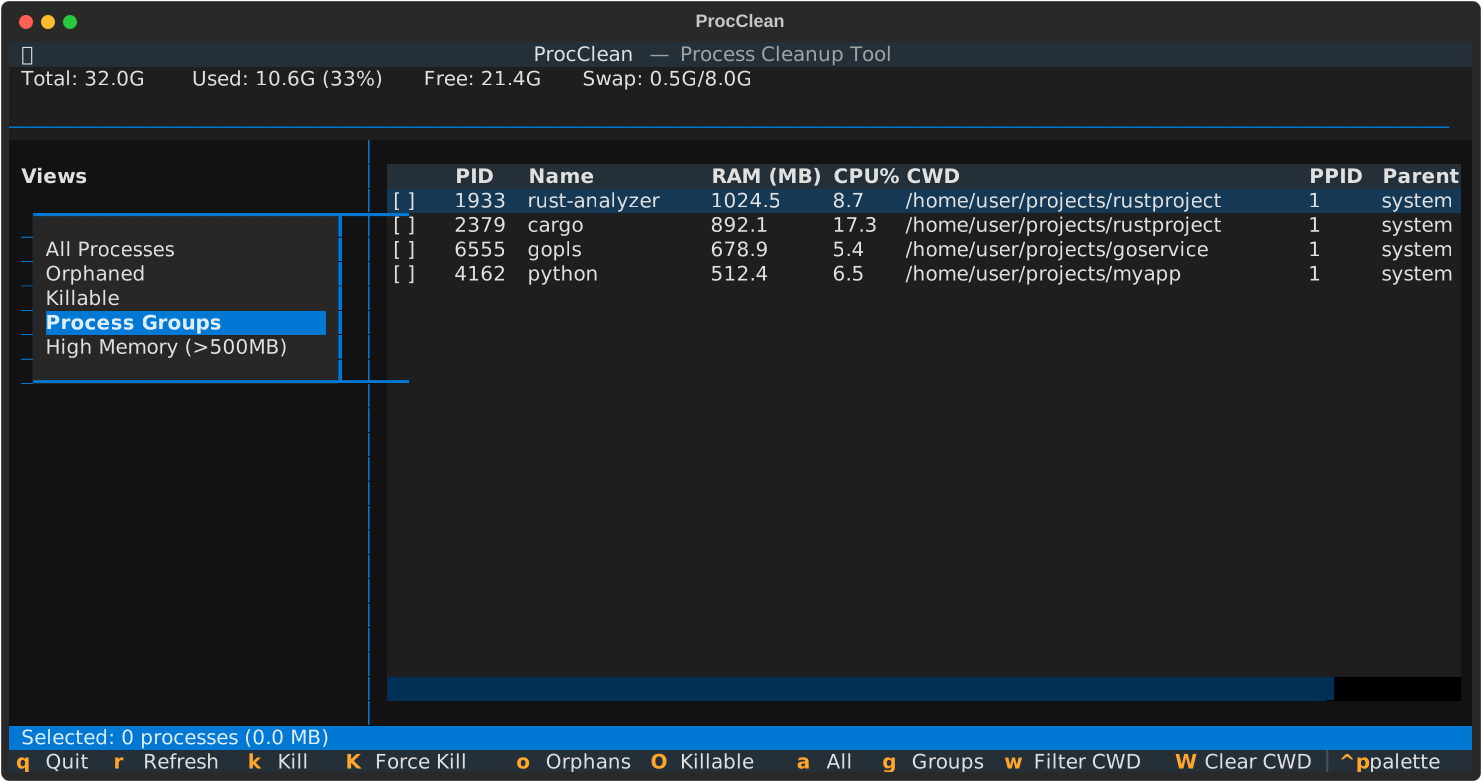
Process Groups
Similar processes grouped together - useful for finding duplicate instances consuming resources.
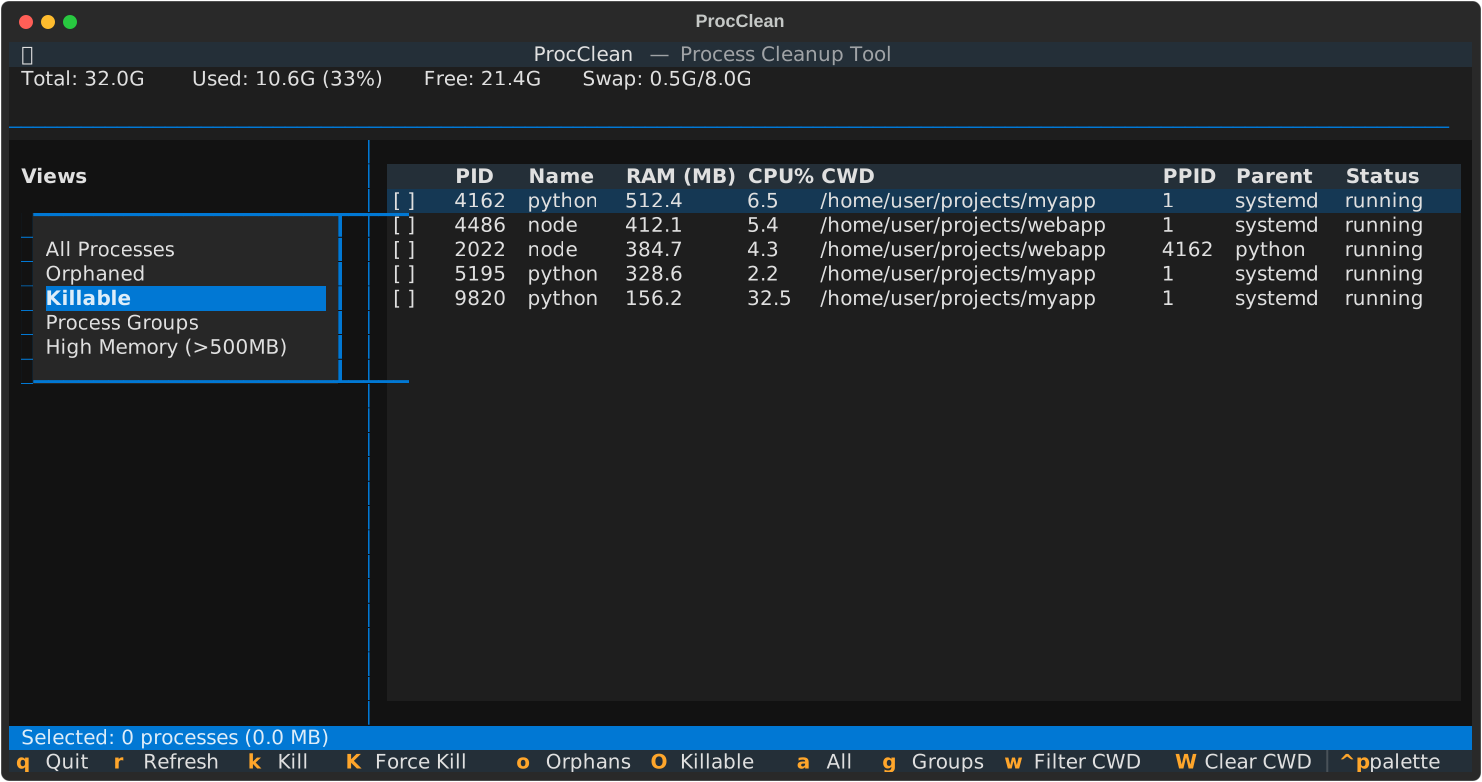
High Memory
Processes using more than 500MB RAM.
Selection
Use Space to toggle selection on processes:
Workflow
- Launch TUI:
procclean - Press O to view orphans
- Use Space to select processes to kill
- Press K to kill (SIGTERM) or Shift+K to force kill (SIGKILL)
- Confirm the action in the dialog